Designing an Effective Fallback Plan for Kubernetes Failures
Crafting Disaster Recovery, Failover Strategies, and Multi-Cluster Architectures for Kubernetes Workloads
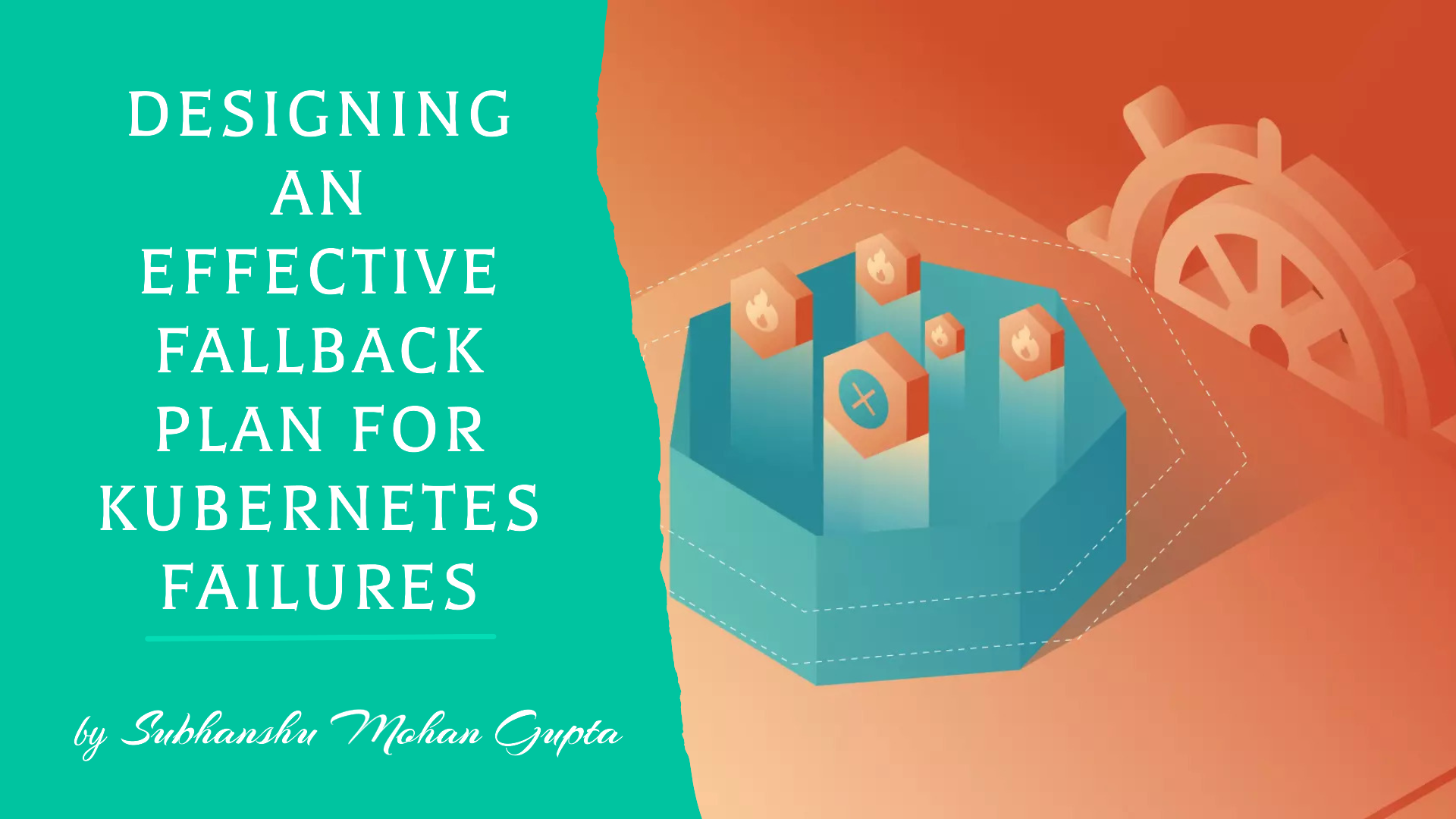
Welcome to Part VII of my Kubernetes series, where we’ll explore the essential strategies for building a robust disaster recovery and fallback plan for your Kubernetes workloads. In this article we'll cover everything from failover strategies and multi-cluster architectures to region-wide data replication.
Additionally, we’ll examine key tools such as Velero for seamless backup and restore processes and how to effectively manage DNS failover within your Kubernetes environment.
Introduction
Kubernetes has become the cornerstone of modern application deployments due to its resilience, scalability, and ease of use. However, no system is infallible, and Kubernetes workloads are prone to failure due to node outages, cluster misconfigurations, or even regional failures in cloud environments. In such scenarios, having a robust fallback plan is essential to ensure business continuity. This blog will explore how to design effective disaster recovery and fallback plans for Kubernetes, focusing on failover strategies, multi-cluster architectures, and data replication across regions. We’ll also dive into tools like Velero for backup and restore and managing DNS failover for seamless recovery.
The Importance of a Fallback Plan in Kubernetes
Kubernetes offers built-in resilience, such as automatic pod rescheduling and load balancing. However, these features may not be enough for complete disaster recovery. Failures like a full cluster outage or a regional data center issue can lead to significant downtime if you don’t have a robust fallback plan.
Key components
Failover Strategies: How to transfer workloads to another environment when one fails.
Multi-Cluster Architectures: Running workloads across multiple Kubernetes clusters in different regions.
Data Replication: Ensuring real-time data is replicated across clusters to avoid data loss.
DNS Failover: Seamlessly redirecting traffic to a healthy cluster.
Real-World Example: Handling Regional Failures in an E-commerce Platform
Imagine you’re operating a large e-commerce platform hosted in a Kubernetes cluster within AWS's us-west-1 region. This platform handles thousands of daily transactions, customer data, and inventory updates. Your cluster runs critical services, such as payment gateways, product catalogs, user authentication, and order management.
One day, disaster strikes us-west-1 experiences a complete regional outage. Without a fallback plan, your platform goes dark. Customers trying to browse products, complete purchases, or check their orders are met with errors, causing frustration. The downtime results in significant revenue loss, damages your brand reputation, and leads to long recovery times as engineers scramble to restore service.
However, with a well-designed fallback plan in place, you could avoid this nightmare scenario.
Let’s break down how the platform would handle such a failure seamlessly:
Step 1: Multi-Region Failover with Kubernetes Federation
In preparation for a regional outage, you’ve set up a multi-cluster Kubernetes architecture using Kubernetes Federation (KubeFed). Your platform’s workloads are federated across clusters in two AWS regions—us-west-1 and us-east-1. Both clusters are synchronized to ensure consistency across the two environments. This means that even if the us-west-1 region fails, Kubernetes Federation automatically redeploys the workloads to us-east-1, keeping the platform operational without human intervention.
By federating the clusters, you also ensure that customer sessions, order data, and inventory information remain synchronized. So, when the system switches to the us-east-1 region, customers can continue where they left off—without losing their carts or order history.
Step 2: Data Replication with Rook and Ceph
To ensure data availability during the failover, the platform uses Rook and Ceph for distributed storage and data replication. With Ceph, all the platform’s critical data—order histories, user accounts, and inventory databases—is replicated across both regions. This replication is designed to be resilient to failure and ensures no single point of failure.
When us-west-1 goes offline, the Rook Ceph cluster in us-east-1 instantly takes over, providing access to the replicated data without any data loss. This means that even during a failover, your e-commerce platform can continue to process payments, update inventories, and fulfill orders without compromising customer data integrity.
Step 3: Seamless DNS Failover with ExternalDNS and AWS Route53
To ensure that customers can reach the platform during regional failures, you’ve implemented ExternalDNS integrated with AWS Route53. The platform’s domain (e.g., shop.example.com) is managed by Route53, which is configured with a failover routing policy.
When us-west-1 becomes unavailable, Route53 automatically reroutes all incoming traffic to the us-east-1 cluster. This DNS failover happens in real-time, ensuring that users are seamlessly redirected to the healthy region. Customers won’t even notice that a regional failure occurred they will continue browsing, shopping, and placing orders as usual.
Step 4: Backup and Restore with Velero
To ensure further redundancy and protect against data corruption or human error, the platform uses Velero to take regular backups of the entire cluster. These backups are stored in an S3 bucket shared across regions. If an error occurs that affects both regions or if a critical database issue arises, you can restore the data using Velero and bring the platform back to a known good state within minutes.
For example - let’s say the outage in us-west-1 was caused by a major data corruption event. Before the corruption spread to the us-east-1 region, your team can quickly initiate a Velero restore from the last backup, restoring services without losing customer orders or product data.
Failover Process
Upon detecting failure in
us-west-1, the DNS records are automatically updated by Route53 to point to theus-east-1cluster.The backup application components from Velero are restored in the
us-east-1cluster, ensuring full recovery within minutes.As the persistent data is already synchronized, no data loss occurs, and the platform continues operating seamlessly.
End-to-End Implementation with Architecture Diagram - Testing and Validation
Designing a robust fallback plan for Kubernetes involves several key components, including backup and restore processes, multi-cluster architectures, data replication, and DNS failover mechanisms. Below is a step-by-step guide to implementing a Kubernetes Disaster Recovery Plan using Velero, KubeFed, Rook, and ExternalDNS with Route53.
Step 1: Velero Backup and Restore
Velero allows you to back up Kubernetes clusters and restore them when needed. We will use AWS S3 as the storage location.
Prerequisites:
AWS S3 bucket.
Kubernetes cluster running (min. version 1.16).
Velero CLI installed.
1.1 Install Velero
Create AWS IAM policy: Velero needs permissions to access S3 and create snapshots. Create an IAM policy:
{
  "Version": "2012-10-17",
  "Statement": [
    {
      "Effect": "Allow",
      "Action": [
        "s3:GetObject",
        "s3:PutObject",
        "s3:DeleteObject",
        "s3:ListBucket"
      ],
      "Resource": [
        "arn:aws:s3:::<YOUR_BUCKET_NAME>",
        "arn:aws:s3:::<YOUR_BUCKET_NAME>/*"
      ]
    },
    {
      "Effect": "Allow",
      "Action": [
        "ec2:CreateSnapshot",
        "ec2:DeleteSnapshot",
        "ec2:DescribeSnapshots"
      ],
      "Resource": "*"
    }
  ]
}
Install Velero CLI: Download and install Velero CLI on your local machine from Velero's GitHub releases.
Install Velero on the cluster:
velero install \
--provider aws \
--plugins velero/velero-plugin-for-aws:v1.2.0 \
--bucket <YOUR_BUCKET_NAME> \
--secret-file ./credentials-velero \
--backup-location-config region=<AWS_REGION> \
--snapshot-location-config region=<AWS_REGION>
Create Backup: To create an immediate backup:
velero backup create my-cluster-backup --include-namespaces <NAMESPACE_NAME>Restore Backup: To restore the backup in case of disaster:
velero restore create --from-backup my-cluster-backup
1.2 Test Backup and Restore
Simulate a failure by deleting an application (e.g.,
kubectl delete deployment <DEPLOYMENT>).Restore the application using Velero as shown above.
Step 2: Multi-Cluster Architecture with Kubernetes Federation (KubeFed)
Kubernetes Federation (KubeFed) allows you to manage multiple Kubernetes clusters as one logical unit, ensuring failover and redundancy across regions.
Prerequisites:
Two or more Kubernetes clusters (can be provisioned on different cloud providers like AWS, GCP, etc.).
KubeFed CLI and Helm installed.
2.1 Install KubeFed
Add KubeFed Helm repository:
helm repo add kubefed-charts https://charts.kubefed.ioInstall KubeFed in the primary cluster:
helm install kubefed kubefed-charts/kubefed --namespace kube-federation-system --create-namespaceJoin clusters to Federation control plane: Use
kubefedctlto add additional clusters to the control plane:kubefedctl join <CLUSTER_NAME> --host-cluster-context <PRIMARY_CLUSTER_CONTEXT> --v=2
2.2 Federate a Deployment
Create a FederatedDeployment for your application:
apiVersion: types.kubefed.io/v1beta1
kind: FederatedDeployment
metadata:
  name: nginx
  namespace: default
spec:
  template:
    spec:
      replicas: 3
      template:
        spec:
          containers:
          - name: nginx
            image: nginx:1.17
Apply the deployment across clusters:
kubectl apply -f nginx-federated-deployment.yaml
2.3 Test Multi-Cluster Failover
- Terminate one of the clusters and observe that the workload is automatically redeployed to the remaining clusters.
Step 3: Data Replication with Rook and Ceph
Rook provides distributed storage by integrating Ceph with Kubernetes, ensuring high availability and data replication.
Prerequisites:
Kubernetes cluster running Rook.
Helm installed.
3.1 Install Rook on the Cluster
Add Rook Helm repository:
helm repo add rook-release https://charts.rook.io/releaseInstall Rook Ceph:
helm install rook-ceph rook-release/rook-ceph --namespace rook-ceph --create-namespaceSet up a CephBlockPool for replication:
apiVersion: ceph.rook.io/v1
kind: CephBlockPool
metadata:
  name: replicated-pool
spec:
  failureDomain: host
  replicated:
    size: 3
Create a PersistentVolumeClaim (PVC):
apiVersion: v1
kind: PersistentVolumeClaim
metadata:
  name: rook-pvc
spec:
  accessModes:
    - ReadWriteOnce
  resources:
    requests:
      storage: 10Gi
Attach the PVC to an application:
Modify your deployment to use the PVC:
spec:
  volumes:
    - name: my-volume
      persistentVolumeClaim:
        claimName: rook-pvc
  containers:
    - name: my-app
      volumeMounts:
        - mountPath: /data
          name: my-volume
3.2 Test Data Replication
Write data to the PVC, then simulate a node failure.
Ensure that the data remains available by accessing the PVC from another node.
Step 4: DNS Failover with ExternalDNS and Route53
ExternalDNS manages DNS records dynamically based on Kubernetes resources. We will set it up with AWS Route53 for DNS failover.
Prerequisites:
AWS Route53.
ExternalDNS and Helm installed.
4.1 Install ExternalDNS
Install ExternalDNS via Helm:
helm repo add bitnami https://charts.bitnami.com/bitnami
helm install externaldns bitnami/external-dns \
--set provider=aws \
--set aws.zoneType=public \
--set txtOwnerId=external-dns \
--set domainFilters[0]=example.com
Grant Route53 Permissions: Ensure that ExternalDNS can manage Route53 by attaching an appropriate IAM policy to your Kubernetes service account.
4.2 Configure DNS Failover
Create an Ingress with ExternalDNS annotations:
apiVersion: networking.k8s.io/v1
kind: Ingress
metadata:
  name: my-app
  annotations:
    external-dns.alpha.kubernetes.io/hostname: "my-app.example.com"
spec:
  rules:
  - host: "my-app.example.com"
    http:
      paths:
      - path: /
        pathType: Prefix
        backend:
          service:
            name: my-app-service
            port:
              number: 80
Test DNS Failover: Simulate a cluster failure and verify that Route53 updates DNS records to direct traffic to the healthy cluster.
Architecture Diagram

Overview
Multi-cluster Kubernetes with KubeFed: Manage clusters across different cloud providers.
Rook Ceph for data replication: Ensures data is replicated across clusters.
Velero for backups: Provides backup and restore capabilities.
ExternalDNS with AWS Route53: Manages DNS failover in case of failure.
Testing and Validating the Fallback Plan
Simulating Failure:
Introduce a simulated failure in theus-west-1cluster by shutting down critical services or nodes.DNS Failover Verification:
Check if Route53 successfully redirects traffic tous-east-1and verify that the platform remains accessible.Data Consistency Check:
Validate that the data replicated using Rook remains consistent across both clusters.Backup and Restore:
Test Velero by deleting and restoring a few services and persistent volumes to ensure backups work as expected.
Conclusion
Designing a robust fallback plan for Kubernetes failures is essential to maintaining high availability in distributed systems. With tools like Velero, multi-cluster deployments, data replication, and DNS failover, you can build a resilient infrastructure that minimizes downtime and protects critical data. Start implementing these strategies today and test them regularly to ensure your Kubernetes workloads can withstand any disaster.
Reference link
What’s next?
Make sure to stay tuned for Part VIII, where we’ll explore Picking the Right Load Balancer for Your Kubernetes Environment and guide you through the nuances of optimizing traffic distribution across your clusters for enhanced performance and reliability.


